

Flashback Instant Replay · free for Windows 11
It was already recording.
Instant replay and screenshots that wait quietly in the tray. Hit the key after the play and the last 30 seconds save as an MP4, already filed by game.
Flashback is a Windows app — open this page on your PC to download.
If Windows shows “Windows protected your PC”, choose More info, then Run anyway.
- Free
- No account
- No ads
- Hardware encoded
One key
Press it after the play.
Ctrl+Shift+F10 saves the last 30 seconds into a folder named after the game. Ctrl+Shift+F11 takes a PNG screenshot. Rebind either one in Settings.
- 15 s to 5 min, or custom up to 24 h
- Optional double-press for a longer save
- Or say “Flashback, clip that”


Lightweight by architecture · measured in Cyberpunk 2077
Barely there.
−5.9%
Average FPS with Flashback recording
- Recorder off
- 149.69 FPS
- Flashback on
- 140.92 FPS
- 1% low
- −0.9%
- Memory
- 238.9 MiB
Cyberpunk 2077’s built-in benchmark at 1080p on one PC (Ryzen 7 9800X3D, GeForce RTX 5070), Flashback 0.6.22, July 23, 2026. Medal and NVIDIA ShadowPlay ran in the same test: see every result6. Today’s Flashback 0.8.8 uses a newer capture path that hasn’t been through this comparison yet.
How we measured, and why it stays light
We ran Flashback and Medal and NVIDIA ShadowPlay on the same PC in the same Cyberpunk 2077 benchmark, and we publish every metric, including the ones where another recorder comes out ahead, on the benchmark page.
The recorder-off baseline, Medal, and ShadowPlay figures are three-run means. Flashback is the final measured 0.6.22 optimization pass; earlier Flashback development runs were excluded because the capture engine changed between them. Hardware, drivers, game updates, and capture settings can change results, so these numbers describe this PC and workload rather than every system.
- Tools load on demand The window and editor open only when you ask. From the tray, only the replay keeps running.
- Hardware encoding Your graphics hardware’s video encoder does the recording, in low-latency mode. There’s no software capture path.
- No re-encode on save A clip is copied straight out of the buffer, so saving doesn’t encode your video twice.
- Background work stays in the background Exports, trims and Discord copies run at below-normal priority, so your game comes first.
- Capture in its own process If capture fails, only the capture process restarts. The app, your hotkeys and your saved clips keep running.
Tested, not just claimed
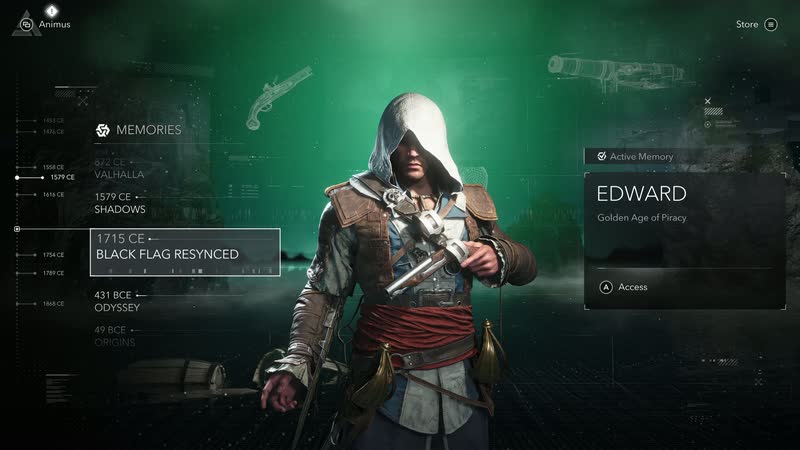
Verified in these games.
Each one recorded a clip on Flashback that decoded to the end and showed a picture. Only games on this list are called tested. Versions and dates
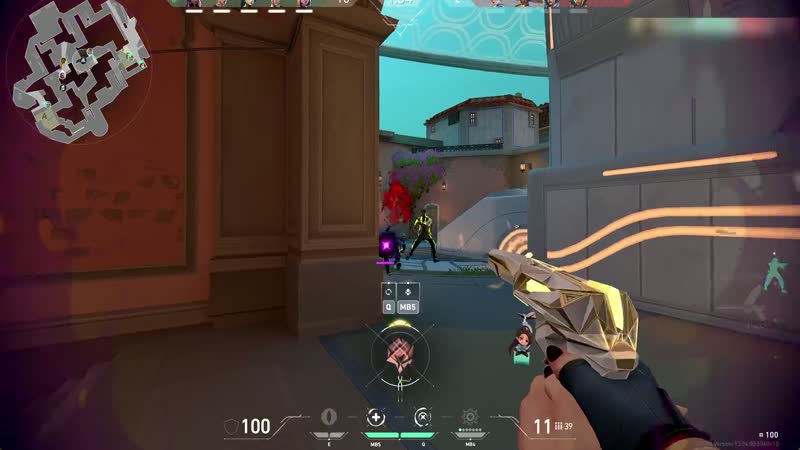
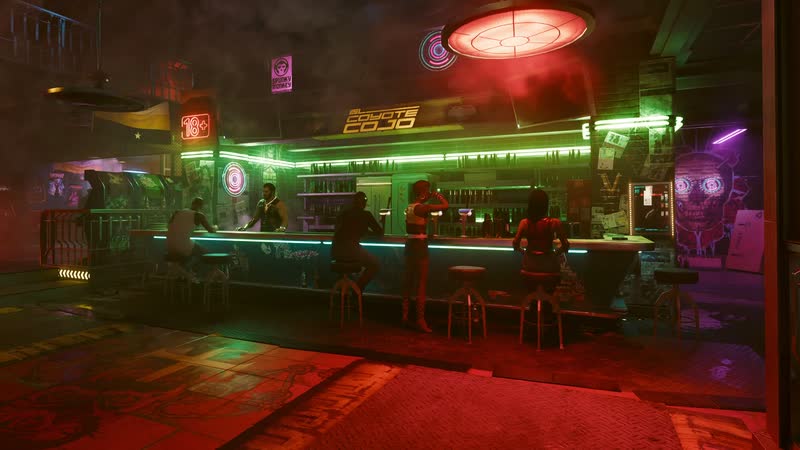
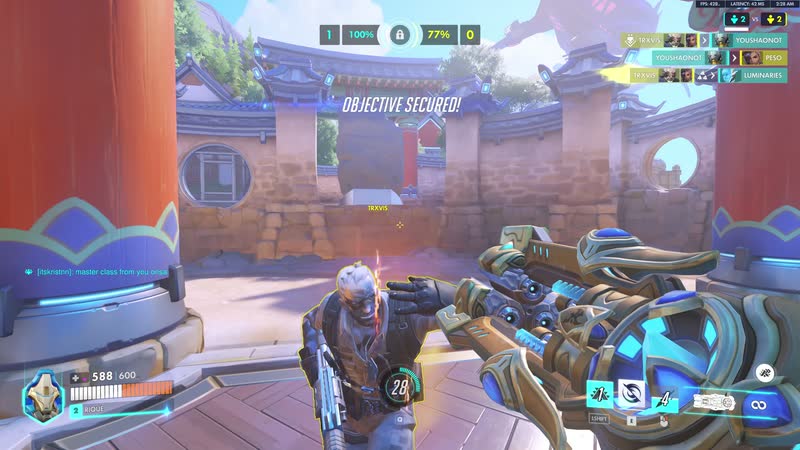
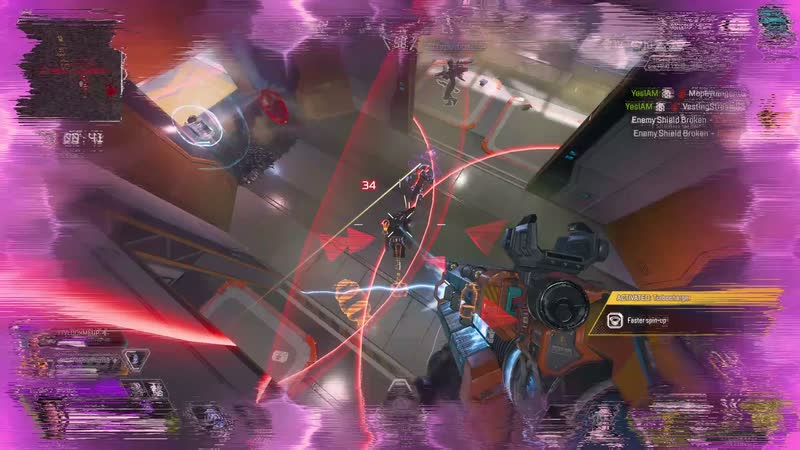
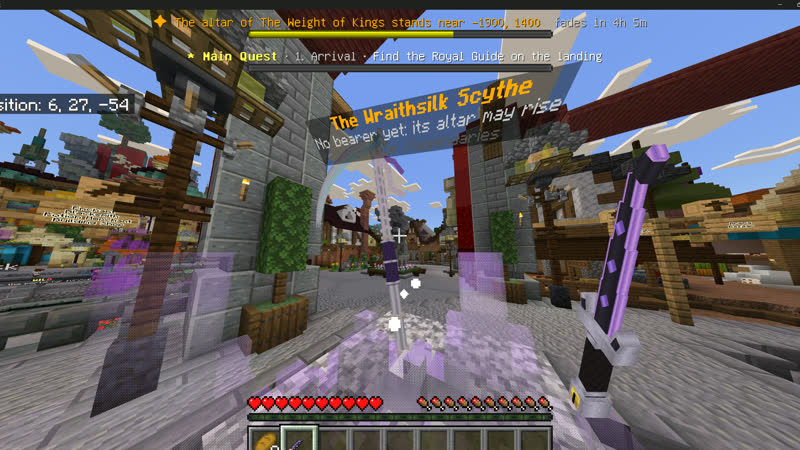
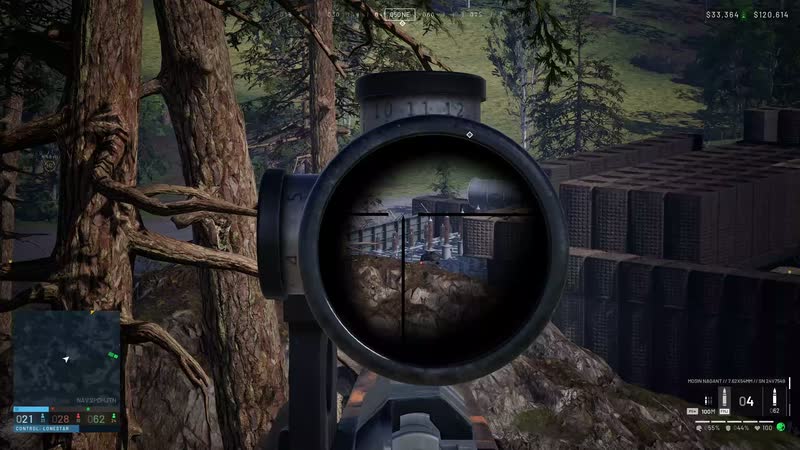
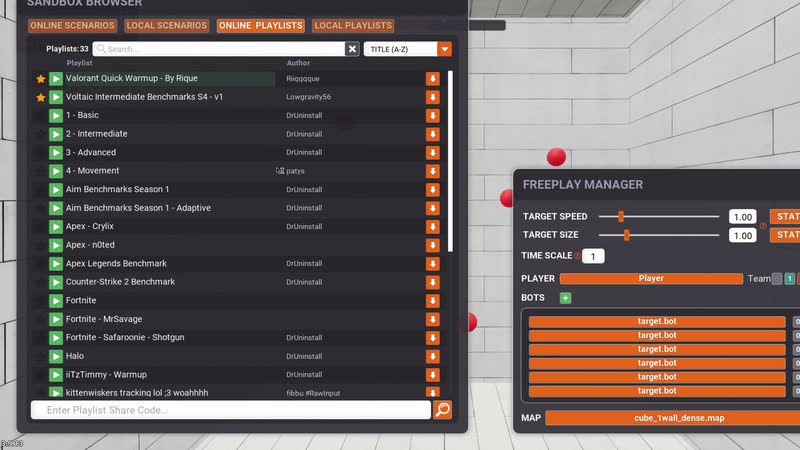
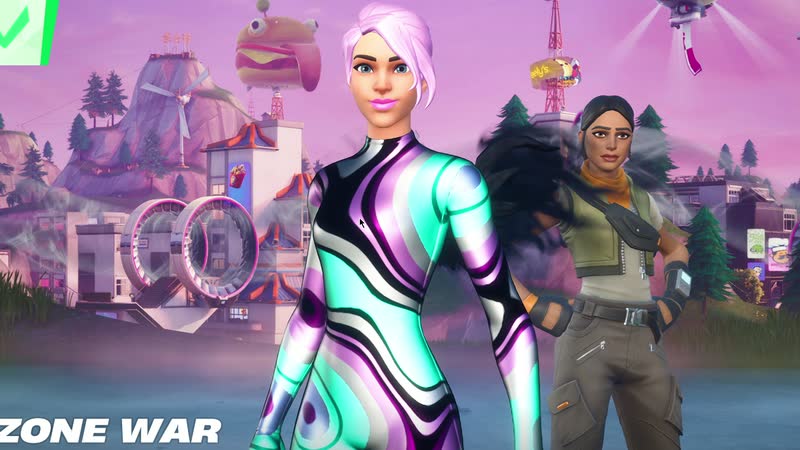
- Yours missing?More every release


Nothing in the way
No account. No ads. No catch.
Recording, screenshots, editing and the library are free and need no account. Cloud sharing is an optional paid plan.
The app carries no third-party ad or analytics code.
Clips leave your PC only when you upload them or turn on automatic uploads. MP4 clips and PNG screenshots in normal folders.
More tools, same weight
- TrimExact start and end points.
- Discord copiesFits Free, Nitro Basic, Nitro or a Level 3 server.
- MontageJoins up to 20 clips, with music if you want it.
- Input overlayKeyboard and mouse on export; the original stays clean.
- Voice“Flashback, clip that.” Recognized offline.
- Ghost ModeNo window, sounds or status. Just the tray.
Side by side
| Flashback | Medal | Outplayed | NVIDIA AppInstant Replay, formerly ShadowPlay | |
|---|---|---|---|---|
| Account needed to record | No | Yes1 | No2 | No, sign-in is optional3 |
| Ads in the app | None | On the free tier; Premium removes them4 | Yes; Premium removes them2 | None documented |
| What you install | One app | One app5 | Outplayed plus the Overwolf client2 | NVIDIA’s GPU app, for NVIDIA graphics cards3 |
“None documented” means we found no statement either way. Frame rates for Medal and NVIDIA ShadowPlay, from the same test as Flashback’s, are on the benchmark page6. To be fair: Medal says its auto clips stay on your PC and don’t upload on their own1, and Outplayed keeps recordings on your PC by default8. Both offer optional cloud uploads7,8. Apps change; if something here is out of date, tell us.
What Flashback never does, and what the app sends
What Flashback never does
Never asks you to sign in to record, edit or keep clips.
Never shows ads. The app carries no third-party ad or analytics code.
Never uploads anything you didn’t ask for. Upload a clip yourself, or turn on automatic uploads for games you pick.
Never reads or injects into game memory. Flashback captures your display. Shortcuts use Windows’ own hotkey system instead of keyboard hooks, and the optional input overlay reads keys only while it’s turned on, globally or in any game profile.
Never sends crash reports by itself. Report a bug opens our support page in your browser.
Never sends your voice anywhere. Voice commands are recognized on your PC by a small built-in model, and they’re off until you turn them on.
Never sells your data or builds an advertising profile.
What the app sends, and when
Apart from what you upload, by hand or automatically for games you pick, no clip, game name, setting or hardware detail is sent anywhere. Here’s everything the app does send.
- Anonymous count On by default
- A random token that changes every day, sent when Flashback starts and every 10 minutes, so this site can show roughly how many PCs are running it. It carries no clips, game names, hardware details, settings or usage. Flashback’s code holds your IP address only in memory, to limit abuse, and never writes it down; our host, Cloudflare, keeps its own request logs, as the privacy policy explains. Turn the count off in Settings, under Privacy.
- Update check At start, then every 3 hours
- When Flashback starts and every 3 hours after that, also while it runs in the tray, and when you click Check for updates. Nothing downloads until you click, unless you turn on Install updates automatically.
- Cloud status When you open the Cloud tab
- Only when you open the Cloud tab. It checks whether Cloud is open and, if you’re signed in, loads your account, plan and shared clips.
- Uploads Only when you choose
- The clips and screenshots you choose to upload, and new clips of the games you pick once you turn on automatic uploads.
- Discord status On by default
- If Discord is running, your profile can show Flashback’s replay status, such as “Instant replay ready”, with a short Flashback tagline and Get Flashback and Why Flashback buttons. It never shows your game. Turn it off in Settings or with Ghost Mode.
Sources for the comparison, checked October 2, 2026
8 sources, with links
- Medal, “Auto clipping” FAQ (updated September 17, 2026): medal.tv/auto-clipping
- Overwolf, Outplayed app listing (version 176.1.13374, September 30, 2026): overwolf.com/app/overwolf-outplayed
- NVIDIA, “NVIDIA app” announcement (November 12, 2024): nvidia.com/…/nvidia-app-download-and-features
- Medal Premium: medal.tv/premium
- Medal, “Medal vs Outplayed” (updated October 1, 2026): medal.tv/compare/medal-vs-outplayed
- Our benchmark: Flashback 0.6.22, Medal 2630.351.1 and NVIDIA ShadowPlay 11.0.8.299 in Cyberpunk 2077 at 1080p on one PC, July 23, 2026. It measures the change in average FPS against the same PC with no recorder running. The no-recorder baseline, Medal and ShadowPlay figures are three-run means; Flashback’s is its final 0.6.22 pass. Full method
- Medal support, “Auto Upload FAQ”: support.medal.tv/…/auto-upload-faq
- Overwolf, Outplayed privacy policy (policy dated June 5, 2025): legal.overwolf.com/…/op-privacy-policy
Medal, Outplayed, Overwolf, NVIDIA, ShadowPlay and GeForce are trademarks of their owners. Flashback isn’t affiliated with or endorsed by them.

Buffer running
Your next ace is already in the buffer.
Download for Windowsv0.8.8 · Latest stable · Windows 11 x64 · 104 MBFlashback is a Windows app — open this page on your PC to download.
If Windows shows “Windows protected your PC”, choose More info, then Run anyway.
Needs Windows 11 (64-bit) and a hardware video encoder that Windows Media Foundation can use. Installer signed through Microsoft Artifact Signing. Updates are checked against a signed release manifest and keep your clips and settings.